Guides
Stay in the analysis. Bring the story with you.
From the first question to the final deck: how analysts use SlateData to explore data, check the numbers, and present their work.
A useful analysis rarely ends with a chart. Someone needs to check the definition, understand what changed, and explain why it matters. By the time the work reaches a presentation, the analyst may have rebuilt the same story across a query editor, a spreadsheet, and a set of slides.
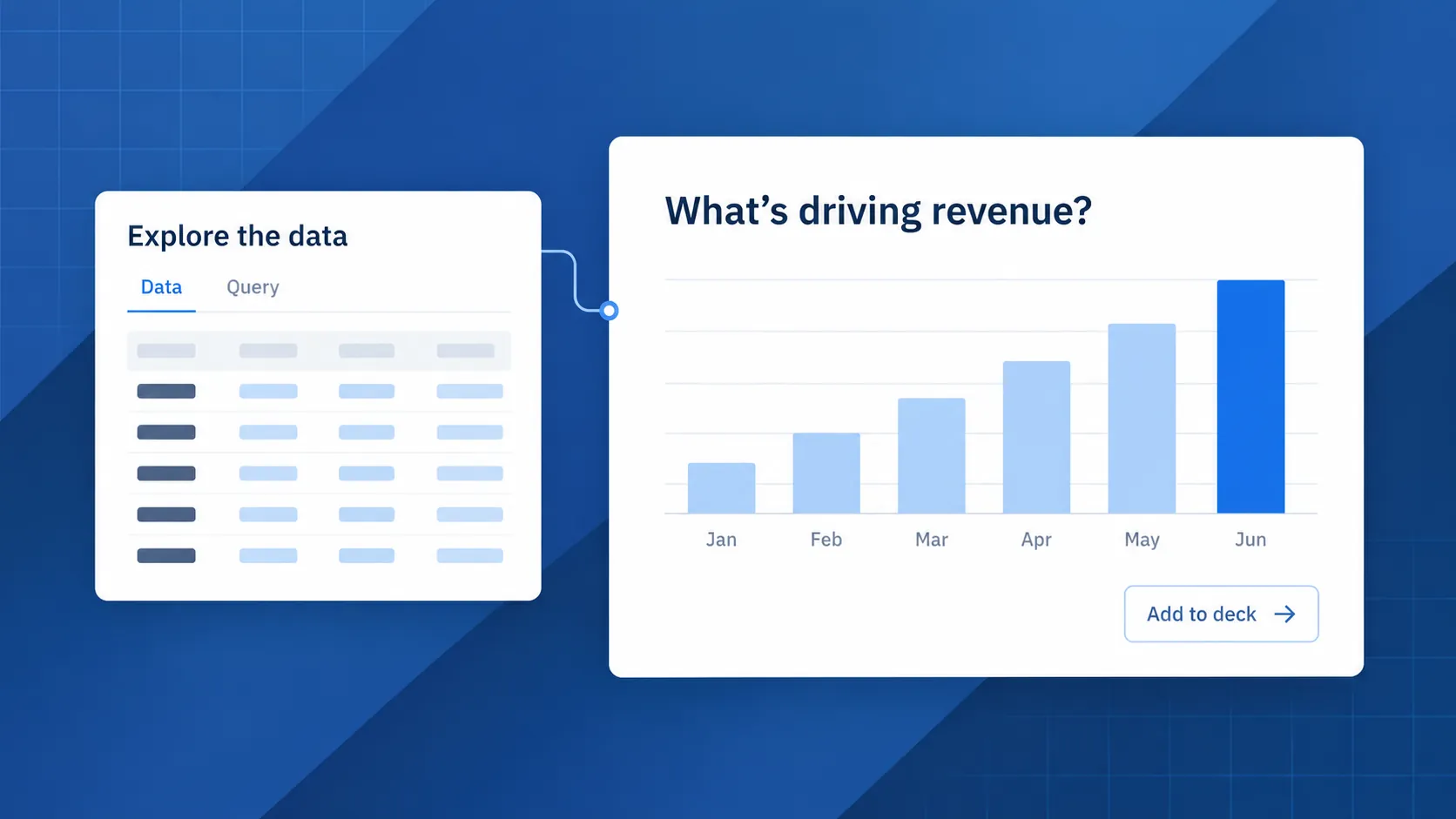
SlateData brings those steps into one workspace. You can connect a source, investigate a question, inspect the result, and use the saved visualization in a deck. Consider a familiar assignment: explain what drove revenue in the first half of the year.
Start with a question against your data
Connect a supported source, such as PostgreSQL, MySQL, or Snowflake, to your workspace. If your starting point is an extract, you can upload a CSV instead. Workspaces organize the sources, visualizations, and decks for a project, so the analysis has a home beyond a file on your desktop.
With workspace AI enabled, you can ask a question in plain language: “Show monthly revenue for the first half of the year.” SlateData generates a query and recommends ways to visualize the result. You can choose the chart type and adjust its axes, grouping, and colors to suit the question.
That first chart is a starting point. A monthly total may show a trend, but understanding the drivers might require another question about region, product, or customer segment. Use the assistant to follow up against the same source, or work directly with the query.
Make the answer something you can check
A convincing chart still needs a defensible calculation. A chart's table view shows the underlying rows, and the data source link in its footer shows the query. For a saved chart backed by a query, Edit query reopens the editor with its source, original question, SQL, and results, so you can refine the logic and save a new version.
For the revenue review, that means checking what “revenue” includes before writing the headline. Does the query use the right date? Are refunds included? Is a partial month being compared with a complete one? These are analytical decisions for you and your colleagues; generating the SQL does not settle them.
Give colleagues access to the workspace so they can examine the same saved work, within their permissions. A shared chart and visible calculation give the organization a concrete basis for review, instead of asking someone to trust a screenshot.
Carry the chart into the presentation
Once the analysis is ready, add an existing visualization to a deck. Arrange it on a 16:9 slide alongside headings, explanatory text, and images. Drag and resize the blocks to build the story around the evidence without reconstructing each chart in a separate slide tool.
For this review, you might start with the monthly trend, follow with the segment breakdown, and finish with the questions the organization needs to resolve. When workspace AI is enabled, the assistant can draft an editable cover slide with an overview of the deck’s content. Review that draft and add the context only your organization knows.
Choose when the numbers are ready to travel
Connected charts can be refreshed as the source changes. When a review needs a stable set of figures, verify the relevant visualizations: verifying records who checked a chart and freezes its data. This gives you a deliberate choice between updating the analysis and preserving the version used for a meeting.
Export the deck to PowerPoint when someone needs to refine the wording: text remains editable, while charts are rendered as images. Export a PDF for a fixed version to distribute. Both are snapshots of the presentation; subsequent changes in SlateData require a new export.
The benefit is continuity. The question, the calculation, the chart, and the presentation belong to the same workflow. You spend more of the handoff explaining what the analysis means, with the work behind it still available to inspect.